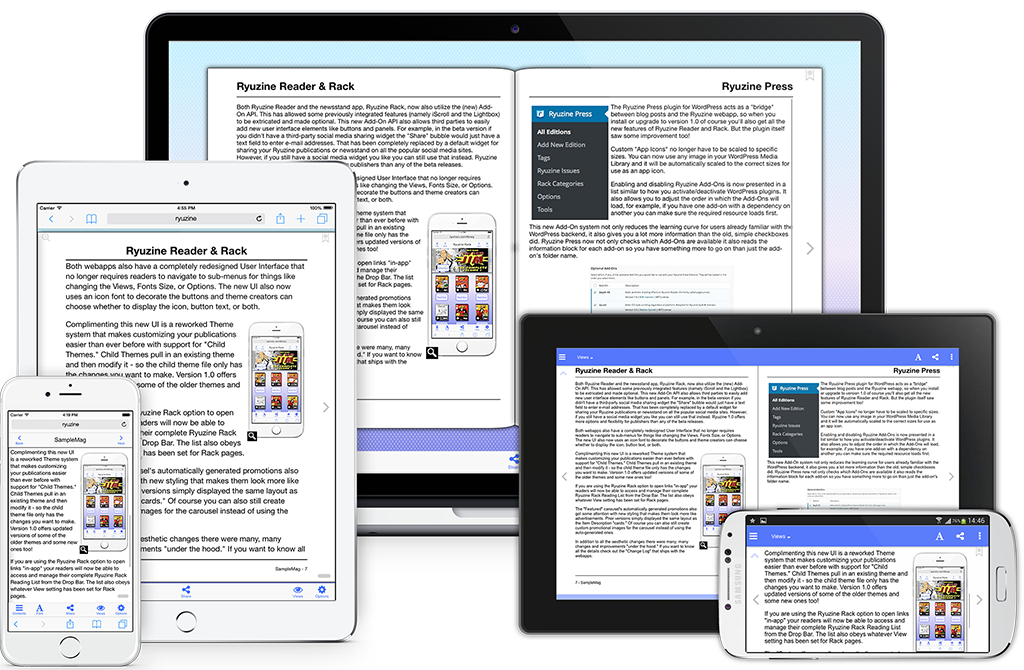
It has been a long time in the making, but Ryuzine 1.0 is finally HERE! Not only is is practically a complete rewrite of all the Ryuzine apps, they are now completely OPEN SOURCE and FREE for personal and commercial use.
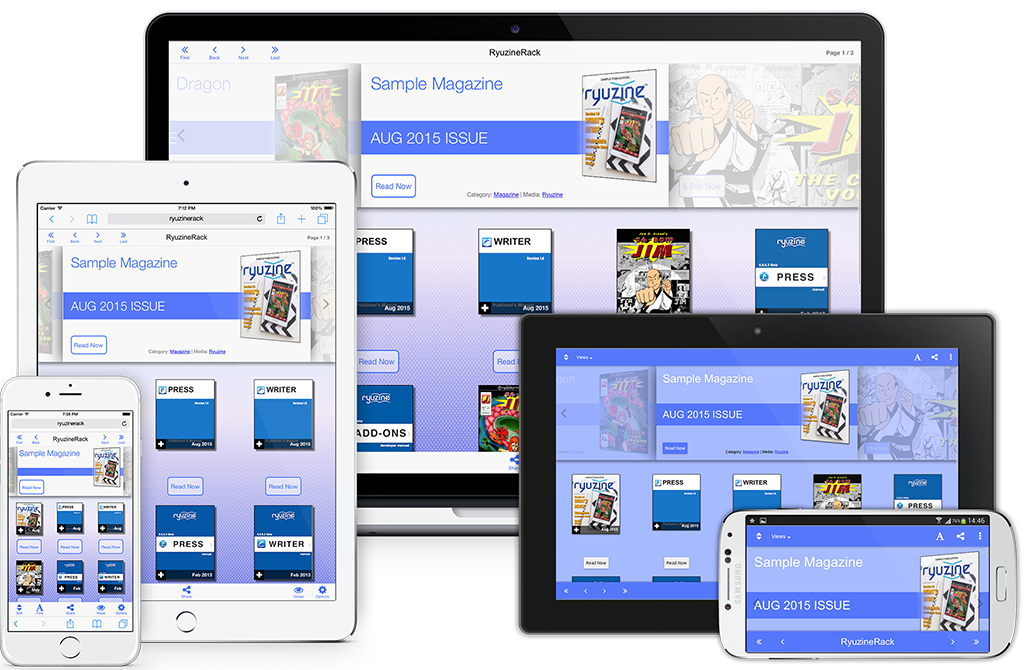
Almost 100 Changes!
This massive update has been in the works since February 2014 and fixed or changed so many things we decided to just skip over a bunch of “beta” versions and jump right to version 1.0 – in total there were nearly 100 changes to the three Ryuzine webapps and the Ryuzine Press plugin. For more details make sure to check out the individual product pages:
 Ryuzine Reader |
 Ryuzine Writer |
 Ryuzine Rack |
 Ryuzine Press |
The Write Stuff
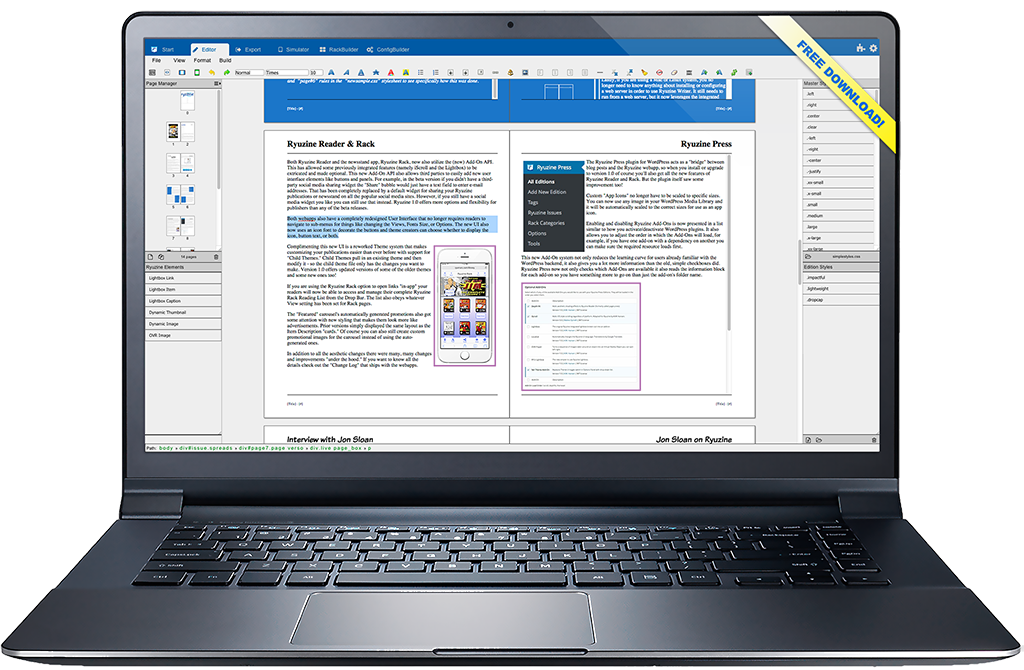
The biggest changes came to our Ryuzine Writer authoring webapp bringing it more in line with the features you’d expect from a page layout program. Not only is there better handling of styles and stylesheets, the new “Page Manager” makes it easy to add, delete, and rearrange the pages of your publications. The “RackBuilder” can also now preview newsstand catalogs in the Simulator, the Simulator has been updated with profiles for newer, popular devices, and when everything looks the way you want the “Package Builder” has more and smarter options than every before.
The Ryuzine Press plugin has also seen some improvements that make it easier than ever to turn curated blog posts into engaging Ryuzine Press Edition publications. The plugin has also been updated and tested with WordPress 4.3. The Ryuzine Reader and Ryuzine Rack webapps are now bundled with the Ryuzine Press plugin download from our website – you are no longer required to do a separate installation of the webapps.
Publishers can learn all about how to use either the stand-alone Ryuzine Writer or the Ryuzine Press plugin by reading the manuals – which were written WITH their respective programs and presented in Ryuzine format:
 Ryuzine Press 1.0 Publishers Manual |
 Ryuzine Writer 1.0 Publishers Manual |
Refined User Interface
All of the Ryuzine apps now have a much simpler user-interface that no longer requires users to “slide” through multiple toolbars to get to the button they want. Those buttons all now use an “icon font” instead of images for crisp display regardless of the device resolution. Ryuzine Reader has better swipe detection and the “Page Slider” has also been improved.

Updated Phone UI Nav Bar
New Themes
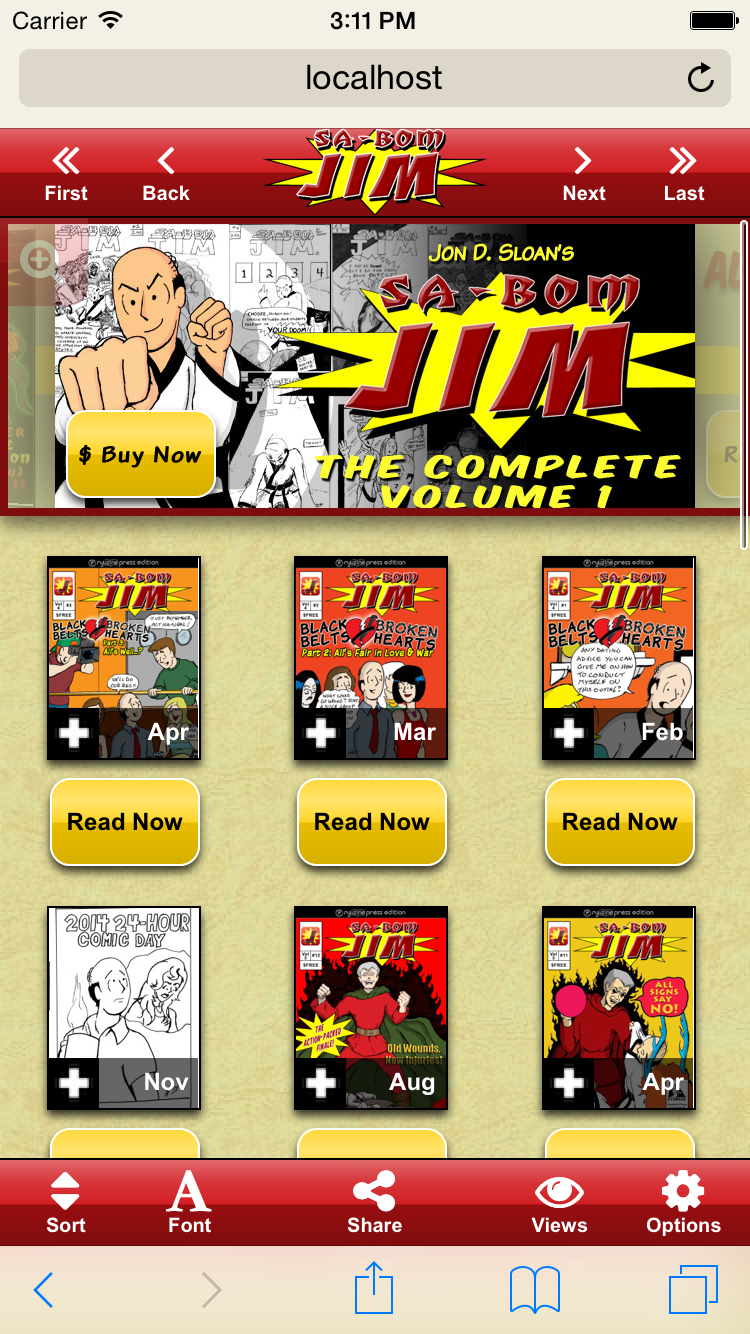
Ryuzine Rack with custom theme and branding.
All the changes to the User Interface required rewriting the existing themes and creating new ones. The “Urban” Windowsand “Mobile Fruit” iOS themes got much-needed updates, and Android gets the new “Paperbot” theme. Some of the older “Platform Themes” have been dropped since they not only looked outdated but few people even use those devices anymore.
Ryuzine Writer also now gets its own themes and theme creators can choose whether or not they want to support Writer with their themes or not. Moving the Writer styles into their own stylesheet allows the Reader/Rack themes to be simpler and the smaller files load and render more quickly than the old themes did.
The theme system now also supports creating “child themes” that build upon another theme, so you don’t have to write styles for everything in your custom themes.
New Add-On API
In the beta versions only Ryuzine Writer had optional add-ons. In version 1.0 the Add-Ons API has been completely rewritten and is now part of both Ryuzine Reader and Ryuzine Rack too! Features that were previously “baked in” have been broken out into optional add-ons and it’s never been easier to extend and customize Ryuzine.
Free & Open Source
One of the biggest changes to Ryuzine is that now everything is completely open source. Ryuzine Reader, Writer, and Rack are released under the MPL 2.0 license, Ryuzine Press is under a GPL 3.0 license. All the code is available for developers in our GitHub Repository. Non-Developers can continue downloading preconfigured, bundled versions from our website.