[UPDATE: 7 November 2012 – there has been a minor update to version 0.9.6.1 which has all the webappy goodness noted on this page and then some]
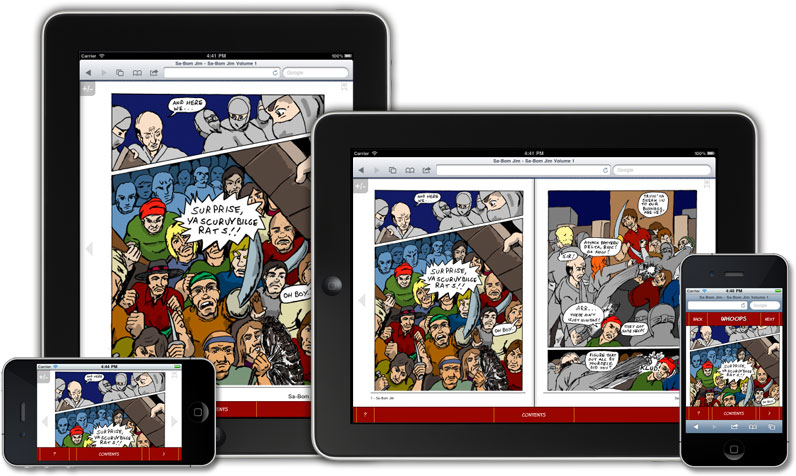
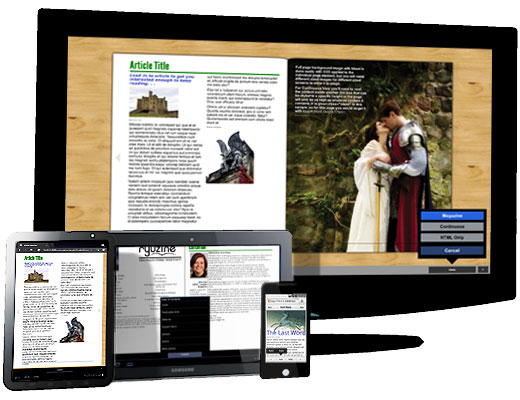
Wow, what a difference a year makes! Exactly one year ago the first public Ryuzine betas were released. Today we’re proud to announce the availability of the SIXTH major revision of our reader and authoring webapps, an update to our Ryuzine Press plugin for WordPress, and the all new newsstand webapp called Ryuzine Rack.
Nearly all the code has been rewritten, which is why this feels a lot more like a “Ryuzine Reboot” than just another update. However it is not only completely compatible with any of your existing Ryuzine publications, updating them has never been easier. Just drop them and their image assets and issue-specific styles into a new Ryuzine distro folder and the old file (all the way back to the first public release version) is rewritten and updated on-the-fly to the current version. We’ve also renamed Ryuzine Machine to “Ryuzine Writer” to make its utility clearer, and introduce our optional newsstand webapp called “Ryuzine Rack” for both stand-alone Ryuzine installations and the Ryuzine Press plugin for WordPress. Ryuzine Reader and Ryuzine Press have also been overhauled to take advantage of all this rebooty goodness.
Since this “reboot” took a bit longer to test and finish than originally anticipated, rather than making you wait even longer we’re releasing it all right now. That’s right, hit the download links and you get this shiny new version of the PDK available today get this even shinier newer version of the PDK available today Over the next month we’ll be updating the online demo [update: online demo has been updated] and documentation.
The PDK now includes all the Add-Ons and Themes available on our site. They’re also included when you use the Ryuzine Press plugin “one click” installer (yay! no more need to install all of the extras individually). Here is a run-down on what’s in store in version 0.9.6.0-b:
Ryuzine Reader
1. Issue-specific stylesheet no longer specified in config file
2. Android 2.x fixes/changes:
a. fixed scrolling in panels
b. prevents incompatible page shadows setting
c. disables pages shadows and 3D page turn
d. fixed “cover clearing” issue
e. fixed page turn error when themes are applied
3. Android 3+ fixes/changes
a. fixed scrolling issue in panels
b. added Native Momentum Scrolling
4. iOS 5+ devices:
a. added Native Momentum Scrolling
b. fixed horizontal scrolling error in panels
c. fixed Safari version detection in App View mode
5. Zoom & Pan no longer enabled by default on touch devices
6. Dynamic theme loading fixed for Android 3+, Windows Phone, and BlackBerry
7. Internet Explorer Favicon and Shortcut added (including Windows 8 Pinning)
8. Animations now supported in Internet Explorer 10
9. Experimental detection of Internet Explorer 10 running in “Modern UI” full-screen and snapped modes
10. Margins fixed in Continuous View
11. Fixed missing resource error for “Help” lightbox content
12. Fixed lightbox.css file, now allows custom gallery CSS3 animations (you have to pick one for all of them though)
13. Splash screen can now be animated with CSS3
14. Right-binding (which was partially broken) is now fixed
15. Platform theme targeting now includes Windows 8 “Modern UI” mode
16. Options panel updated to make it more clear when options are disabled by another setting
17. UI is now dynamically generated
18. Default Share widget now properly handles document titles with quotes, apostrophes, and dashes.
19. Fixed selector position when long localized text is applied to Option Panel
20. NEW “Cool Beans” theme for OS integration with Android “Jelly Bean.”
21. NEW default theme available in “light” and “dark” base variations
22. Previous default theme is now broken out into its own theme.
23. Themes are now also applied to Lightbox containers
24. In-Page styles are now removed in “Plain HTML” view. Ryuzine attempts to store the styles in a cookie file so they can be restored.
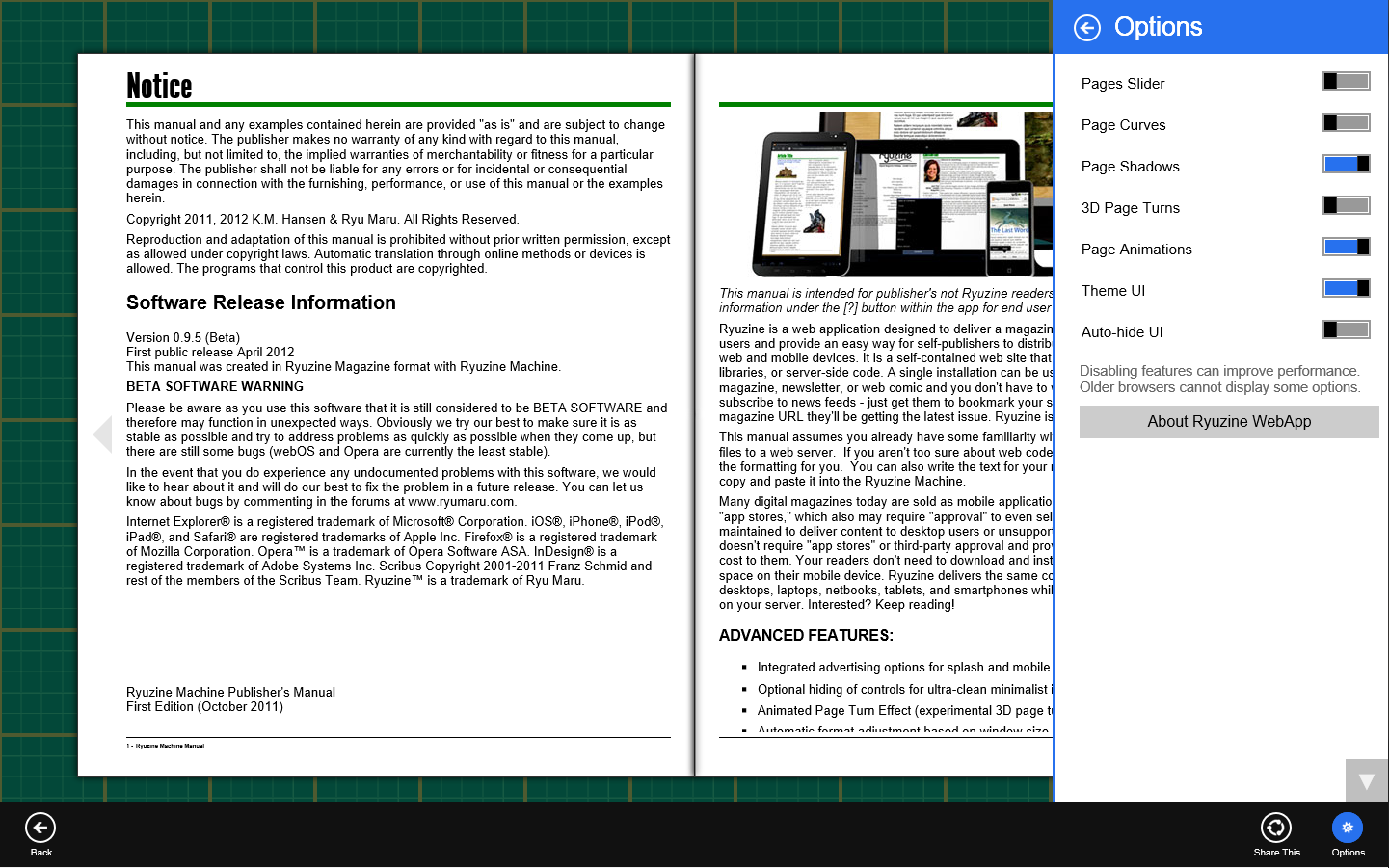
25. NEW “Page Slider” navigation option alternative to Table of Contents Panel.
26. UI can now be hidden with all themes. User can choose manual or automatic hiding.
27. The “fillpad” option is replaced with “fillall” which does exactly what it sounds like – fills all the available space in the bowser (best only used for fluid layouts).
28. iScroll script implemented as an optional add-on.
29. Improved Legacy Compatibility for Non-IE Browsers (old versions of desktop and mobile Safari)
30. Dropped support for Internet Explorer 7 and earlier and Opera browsers
31. Added error handling (especially if javascript and/or stylesheets are disabled)
32. Easy updating of existing publications (just drop old Ryuzine file into new Ryuzine installation)
33. High-density displays on the Apple MacBook Pro and Air, and Google Nexus 10 tablet (as well as any other high density screens that may be released) are now better supported.
Ryuzine Writer (formerly Ryuzine Machine)
1. Fixed WYSIWYG toolbar and button display error for Opera 11.x browsers (Opera 12.x is not supported)
2. “Add Device” dialog OS options fixed and updated for Windows 8 and iOS 5+
3. New Device Profiles:
a. iPad 2/3
b. Samsung GalaxyTab2 10.1
c. HP Touchpad
d. iPhone 5
e. Nokia Lumia 920
f. Microsoft Surface RT
g. Microsoft Surface Pro
4. Fixed Simulator “browser view” for Windows Phone device profile.
5. “bannerad” element renamed “appbanner” to prevent name/class collisions with other bannerads or ad scripts
6. NEW! PHP File Operations when running from localhost development server for Open/Save files
7. Simulator now fixed for Firefox browser.
8. Experimental compatibility with Internet Explorer 9 & 10 (still has minor UI problems but functions work)
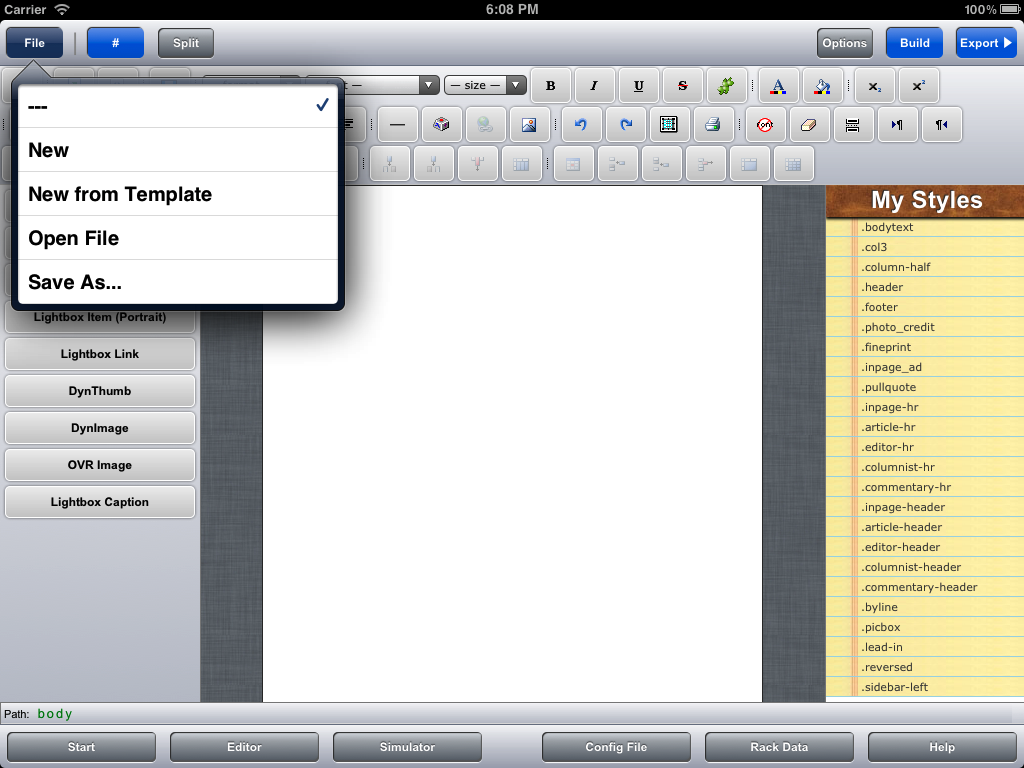
9. UI completely redesigned to be more intuitive, clean, and increase work space.
10. Disabling WYSIWYG editor and running webapp offline (no web server) no longer triggers Xinha warning dialog.
11. NEW! Options Panel allows you to change config file setting within webapp (retained in cookie file)
12. Ryuzine Writer can now use the same themes as Ryuzine Reader (all the themes were rewritten)
13. Simulator now includes Anders Tornblad’s “addTouch” script for multi-touch simulation on desktop systems (note: the “addTouch” script is still considered experimental and has some usability issues)
14. NEW! “Start Page” with shortcut buttons to common starting tasks.
15. WYSIWYG Full-Screen editing now actually fills browser (and if browser if fullscreen is true fullscreen editing)
16. NEW! Build Ryuzine Configuration Files
17. NEW! Build & Edit Ryuzine Rack Data Catalog Files
18. Improved Split-View Coding Mode (auto-splits horizontally/vertically based portrait/landscape or choose manual buttons)
19. NEW! Load URLs in the Simulator (to check mobile view of Ryuzine publications already on the web, for example Ryuzine Press Editions)
20. NEW! Load Ryuzine Files directly into the editor (no need for “source files” anymore)
21. NEW! Test Configurations and Issue-specific styles in the Simulator before putting them in external files.
22. NEW! Build Package option (req. PHP File Operations) bundles publications into downloadable ZIP files.
23. NEW! Issue-specific style link imports with file and is used in WYSIWYG editor.
24. Experimental “Mobile Mode” UI for Android 3+ and iOS 5+ devices (it’s still has some bugs so it is not recommended for production use).
Ryuzine Rack ( NEW! )
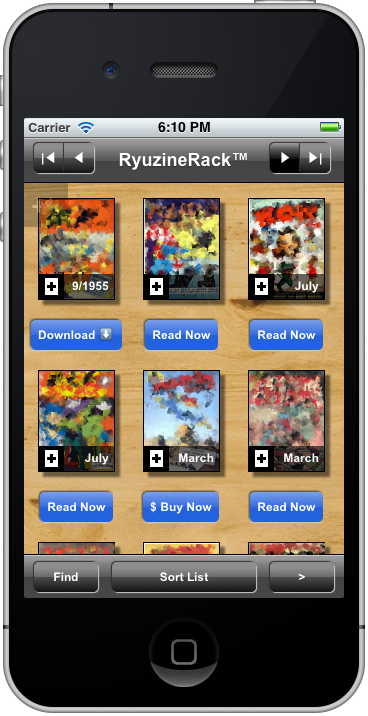 * An intuitive rich app experience
* Auto-generation of promotions or use your own custom banners
* Not limited to Ryuzine media – link it to any type of content you want to promote virtually anywhere.
* Grid, Detail List, and Simple List viewing options
* Automatic, adjustable pagination of search results
* Deliver high quality images to high-density displays
* Uses plain HTML files and HTML Tables as catalogs instead of a database
* Unlimited custom catalogs! Use one for each year, or support multiple languages, or one for material on your site and other catalogs for content on your friends’ sites, however you want to divide it.
* Responsive design automatically adapts to different screen sizes and orientations.
* Uses the same configuration files and themes as your Ryuzine publications for seamless integration
Ryuzine Press Plugin for WordPress
Rewritten, simplified, bug-fixed, and updated. Getting the Ryuzine webapp into the plugin is now a simple “one-click” install. You’ll need to deactivate the current version and trash it and then upload and activate the new version (there is no automatic upgrade path from the 0.9.5 plugin to the 0.9.6.0 one). Download (90KB)
* Fixed theme targeting (previous releases were not targeting BlackBerry Tablets or Windows Phone 7.5).
* Added Windows 8 Metro/Modern theme targeting.
* Switched to new client-side dynamically generated UI (faster server response)
* Ryuzine Reader installation simplified to a single button click (bundle now includes all addons and themes so you do not have to install them separately).
* iScroll support added
* Light/Dark base UI selection
* Ryuzine Rack replacement for automatic Archive page
* Ryuzine Rack Builder allows additional newsstand content and catalogs to be included.
* New shortcode for Ryuzine Rack cover thumbnail can also be used to place cover background image on Edition
* Articles List now optional on auto-generated covers.
* Masthead is now optional for auto-generated covers and splash screen.
* Page Slider option for in-app page navigation
* Configuration tab for RyuzineRack “Media Type” and button text and “Category” names
* Comic Easel support updated (the small hack, though, is still required)
As noted above we’ll be updating the online documentation for publishers with all the details soon along with an updated online demo. But there’s no reason to wait, you can go get it for yourself right now!
 Tomorrow night there will be a brief presentation of the Ryuzine family of products and using them to create digital comics for desktop and mobile devices as part of the monthly meeting of the