One of the cool features of the Ryuzine publishing platform is how you can create a traditional magazine or comic book reading experience through a web browser using nothing more than HTML5, Javascript, and CSS3 technologies. But the best ways to leverage the format may not be readily apparent. This article seeks to help you with building better Ryuzine publications that will work for both you and your readers, regardless of what device they prefer to use. Without further ado, here we go!
5. Don’t assume page order dictates the reader’s experience.
When you pick up a physical magazine you probably start at the front, see the Table of Contents, leaf through it, and if you ever do skip around it’s because an article you were reading (which probably broke over more than one consecutive page) was concluded in a column near the back. But you can’t assume that’s how someone will experience your Ryuzine publication (with the possible exception of webcomics, which really only work when experienced in the proper order).
Especially with Ryuzine Press Editions (which exist concurrently as blog posts outside the editions), but also for other publications where a specific page’s bookmark may have been shared, a reader may come into the publication almost anywhere. Ryuzine tries to help people get their bearings by always having a Table of Contents panel available, but you should consider each page of a Ryuzine publication is more like a miniature website unto itself – a sub-section that should only ever spill into another part of the publication if you did so for a reason (in our own sample magazine we show an article that is broken over sections, but the reason is the same as that used in print magazines – to lead readers deeper into the publication and to a page with advertising). As each and every page of a Ryuzine publication is theoretically of infinite length (just like any web page) there really is no technical reason to ever break a story over multiple pages.
4. Don’t go overboard on advertising.
Traditional magazine publishing has long been supported in large part by selling advertising space within the pages. You can place ads on pages in a Ryuzine publication just like you can in a print publication, but Ryuzine also incorporates some built-in web and app advertising options including a mobile style banner, a full-page “splash” ad, and an overlay “box” ad.
But don’t go overboard and make your readers wade through too much advertising to get to your content. The content should be the main focus and only include enough advertising to help cover your expenses in producing it. The ad model is a good fit for online publications given that people are accustomed to things being free (and advertising supported) online, but a site or publication that feels like it is “spamming” people with ads will chase the audience away.
Actually one of the best uses of Ryuzine may be situations where the entire publication itself IS the advertisement. For example using it to create a “sample” of a larger digital publication (perhaps in eBook format) or as an online sample of a print publication. It’s also a great format to adapt organization newsletters (which tend to be short and fast loading content in maybe 8 or 12 pages) or product sales brochures.
3. Don’t just duplicate print content.
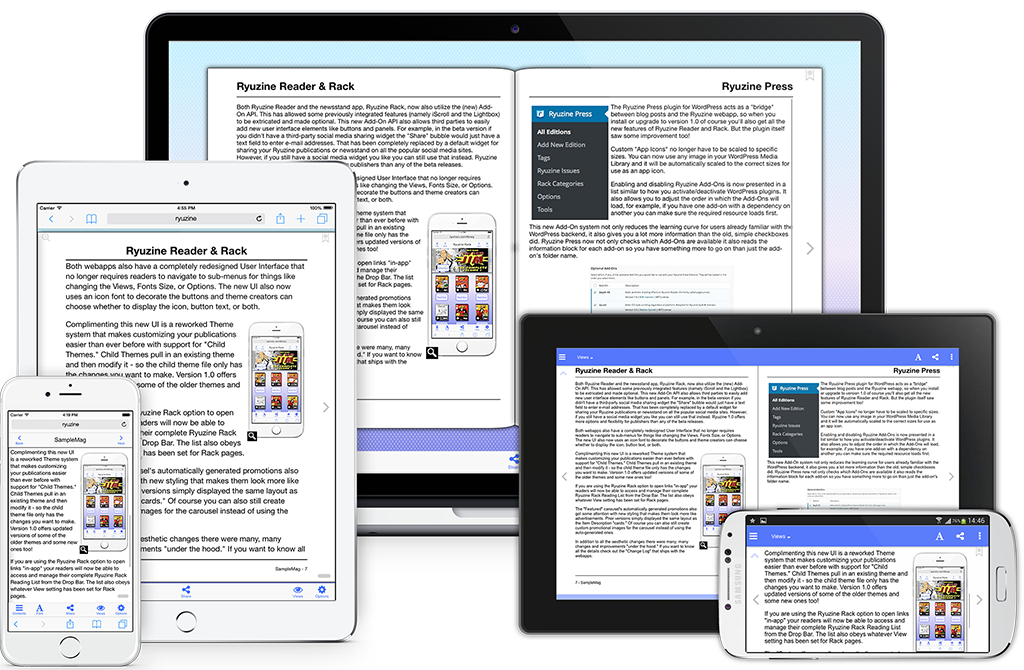
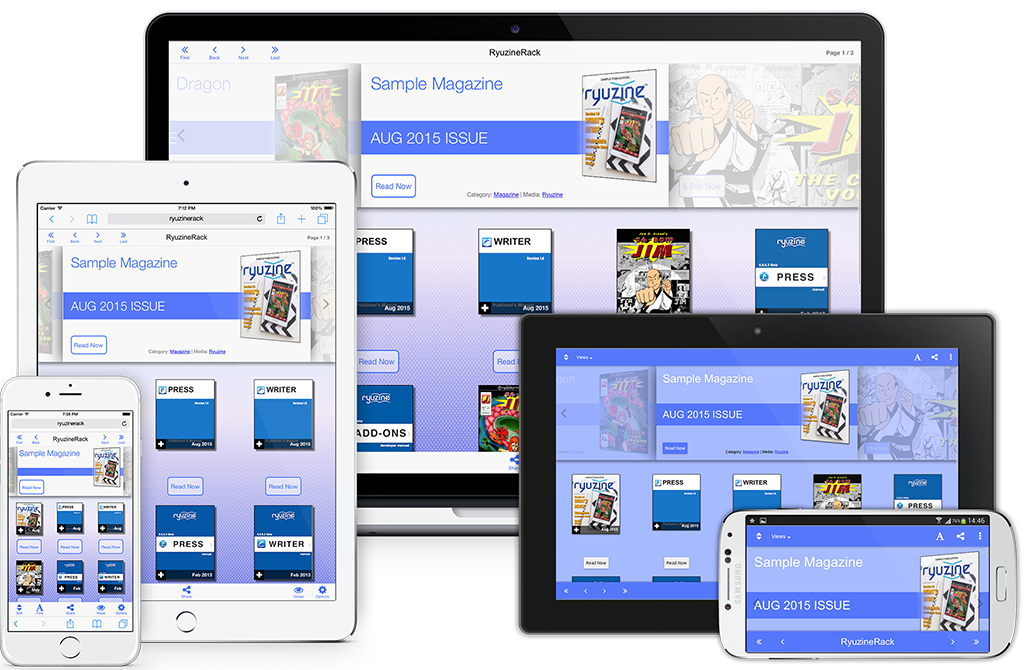
If what you want is a digital version that is exactly like an existing print publication you’ll probably be happier with a PDF file. Your readers, however, may not be. Especially if they’re on a phone and have to zoom in and out and pan around just to read it. A Ryuzine publication uses a “responsive” layout that adapts to different screen sizes and allows users to adjust the font size to their personal preference.
You should think about how your publication will look when viewed on small screens and large screens and in both portrait (single page) and landscape (two-page spread) views. The “thisissue.css” file is where you can magically adjust the layout of your content to address the varied viewing scenarios.
2. Don’t forget the “digital!”
Text and images can obviously be reporduced in a Ryuzine publication just like they can in print. But a Ryuzine publication, by being digital and online, can do things print media can’t. Leveraging the capabilities of the web browser is an important part of creating engaging content that will keep your readers attention, build your audience, and hopefully keep them coming back for more.
You can embed all sorts of “rich content” in a Ryuzine, either in the pages themselves or in the Lightbox Gallery. In fact the whole Lightbox feature was included exactly for this sort of use! Embed a YouTube video, an IFRAME with a linked website displayed in it, VR objects or panoramas, high resolution imagery. There are all sorts of ways you can enhance and expand the “magazine” content with dynamic and enaging WEB content.
1. Avoid running too long.
You’ve probably seen the abbreviation “tl:dr” online. It means “Too Long; Didn’t Read.” Especially on small screen devices a lot of text means a lot of scrolling, but there has long been a bias against presenting a “wall of text” online. Many people find reading on a screen more taxing than reading off of paper, so if you don’t want people to just tune you out don’t go long. They say a picture is worth a thousand words, and online people would rather see pictures on their screens than text. What text is presented is usually just skimmed, so adjust your writing (even consider editing or rewriting) just for your online audience.
Also don’t go too many pages! Nobody really wants to read hundreds of pages online and they want to load hundreds of pages of content even less than they want to read it. A Ryuzine publication is, when stripped of all it’s cool features, a single HTML web page. The entire publication technically exists as a single document and the longer it is the longer it takes to load. If you publication is taking too long to load your readers may think it either has frozen, crashed, or isn’t worth the wait. People online are incredibly impatient! Publications that are more like “newsletters” than a “compendium” will do better. They’ll also be less likely to crash mobile browsers! Most mobile browsers have limits on how much storage a specific web URL can use, and on iOS devices like the iPhone and iPad they’ll simply crash the browser (taking the user back to the Home Screen) instead of loading a really, really big document. The best way to remember that is “short is sweet, long is wrong.”